108 Chrome extensions, one server: how to check yours for session theft
Socket found 108 Chrome extensions routing logins and live Telegram sessions to a single server. Here's how the campaign worked and how to check your own.
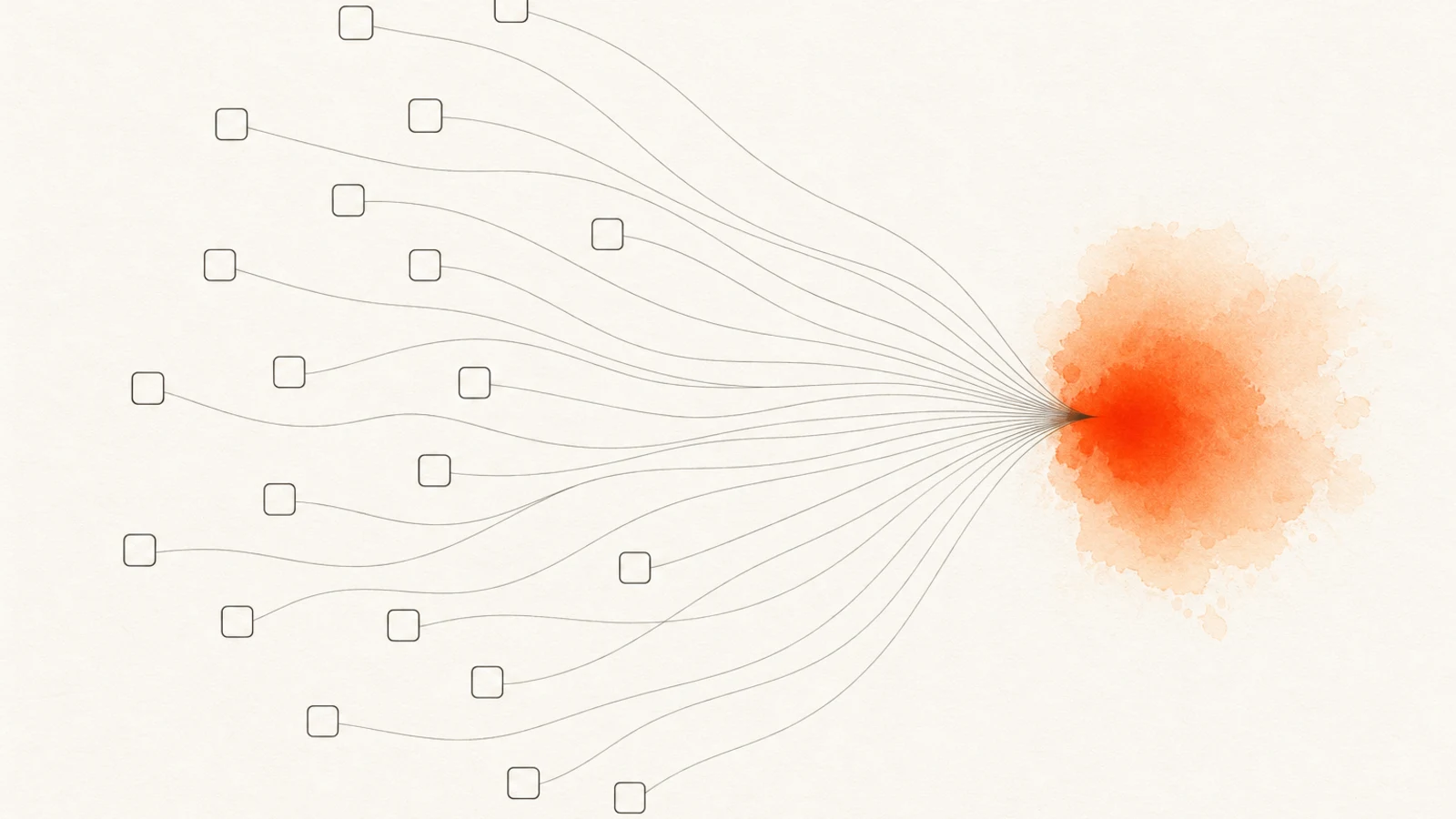
Here's a number that reframes how much a "small" extension can hurt you: 108 Chrome extensions, spread across five different publisher names, all quietly reported back to the same server. Not 108 separate problems — one operation wearing 108 masks. And the total install count was only about 20,000, which is exactly why nobody noticed for a while.
I want to walk through this one because it breaks a habit most of us have: trusting an extension because it looks small, niche, and boring. Small is not the same as safe. Sometimes small is the whole point.
What Socket actually found
The find comes from Socket's Threat Research Team, who traced 108 Chrome Web Store extensions all funneling stolen data to a single command-and-control server at cloudapi.stream. According to Socket, the extensions were published under five separate identities — Yana Project, GameGen, SideGames, Rodeo Games, and InterAlt — but the plumbing behind them was shared. Same backend, same operator, same goal.
The researchers make the "one operator" case with something hard to argue with: two Google Cloud projects controlled all 56 OAuth2 client IDs used across those five publisher accounts. Socket also notes the campaign wasn't crude — they describe "a maintained software project with version control, testing, and iterative improvements." In other words, someone treated credential theft as a product.
Splitting one campaign across five publisher accounts isn't laziness — it's the strategy. Each account stays small enough to slide under the Chrome Web Store's per-publisher risk thresholds, while the shared server collects everything in one place. It's the extension-store version of not putting all your eggs in one basket, run by the person stealing the eggs.
The infrastructure fits that picture. Socket reports the C2 lived at 144.126.135.238, a Contabo VPS, behind the domain cloudapi.stream that was registered back in April 2022 — so this operation had runway.
And here's the detail I enjoyed: the researchers say the backend ran a Strapi CMS on port 1337 with an exposed PostgreSQL database. The same crew stealing your credentials apparently left their own collection database sitting out in the open. Speed of deployment over operational security — which tells you the incentive here is volume, not finesse.
What the extensions did once installed
This is where it gets specific, and specific is scarier than vague. Per Socket's analysis, the roles were divided up across the 108 extensions:
- 54 of them intercepted Google sign-in via OAuth2 and harvested your Google account identity — email, name, profile photo, and account identifier.
- One exfiltrated full Telegram Web session tokens every 15 seconds to
tg.cloudapi.stream. Not your password — your live, logged-in session. - One more had the Telegram-theft machinery staged in code but not yet switched on.
- Two stripped security headers off YouTube and TikTok and injected ads straight into the page.
That 15-second interval is the part I keep coming back to. Stealing a session token is worse than stealing a password, because a session skips the password entirely — no login screen, no two-factor prompt, just an already-authenticated door left open.
Refreshing it every 15 seconds means near-real-time access to someone's Telegram. I've written before about why a stolen session cookie beats a stolen password, and about the broader pattern of extension-driven session-cookie theft — this is that idea weaponized at scale.
The identity harvesting is quieter but not harmless. Your email, name, and account identifier are the raw material for convincing phishing — the kind of message that knows who you are, which Google account you use, and what you look like. Socket frames these 54 as the campaign's wide net: low-effort per victim, but multiplied across every install.
The clever, ugly part: turning a safety feature into a weapon
Two of the extensions used declarativeNetRequest to strip Content-Security-Policy and X-Frame-Options headers off YouTube and TikTok before injecting ads via innerHTML.
Here's why that stings. declarativeNetRequest is a Manifest V3 API — the "privacy-friendly" replacement Google pushed to power ad blockers without letting them read your traffic. It's supposed to be the good mechanism. Socket's finding shows the same API pointed in reverse: instead of blocking bad requests, it tears down the page's own defenses so the extension can shove content in. If you want the fuller story on how MV3 reshaped ad blocking, I dug into the declarativeNetRequest trade-offs here.
Socket also flagged a universal backdoor — a loadInfo() function in the background script that lets the operator run new commands from the server whenever they want. So the 108 extensions you can see today aren't necessarily the 108 extensions you'd have tomorrow.
The behavior ships remotely, after install, after review. That's the recurring theme in nearly every modern extension campaign: the store reviews the version at submission, and the attacker updates the plan afterward.
Why this matters for you
The uncomfortable takeaway is that your usual trust signals mostly failed here. Install count? Low, on purpose. Publisher name? One actor ran five of them. Chrome Web Store presence? These lived on it. The store's review happened once, at submission — the malicious behavior arrived later, over the wire, through that backdoor.
And you don't need to have installed the "Telegram stealer" specifically to be exposed. If you had any of the 54 identity-harvesting extensions and used "Sign in with Google" while it was active, your account identity may have gone to that server too. This is the same lesson as the zero-permission malware dropper problem: the extension you think is harmless is often the delivery vehicle, not the payload.
It also scales past you personally. If you're on a work machine, a single session token lifted from your browser can be the first hop into a company's accounts — one reason browsing and session data exfiltration keeps showing up in enterprise breach write-ups. The extension doesn't have to be sophisticated. It just has to be installed.
How to tell if this touched you
There's no tidy "you were hit" alert for something like this, but there are tells. If a site you're logged into — Telegram especially — shows an active session from a device or location you don't recognize, treat that as a real signal and end it. Unexpected ad overlays on YouTube or TikTok that survive your normal ad blocker are another one, since two of these extensions injected content directly into the page.
The honest answer, though, is that most of this exfiltration is silent by design. You won't feel your Google identity leave. That's why the move isn't "wait for a symptom" — it's to assume anything unvetted could have been in the pipe and clean up proactively, which is the next section.
How to protect yourself
You can't out-review the Chrome Web Store by squinting at listings. But you can shrink your exposure and cut off stolen access. Here's what I'd actually do:
1. Audit what you've got installed. Open chrome://extensions, and be ruthless. Anything you don't actively use this month — remove it. Every installed extension is standing attack surface, and abandoned ones are the worst offenders because nobody's watching them.
2. Stop trusting install counts and publisher names. Twenty thousand installs across five "developers" looked legitimate and was one operator. Judge an extension by what it can do on your machine — its permissions — not by how popular or official it feels.
3. Review your permissions. For each extension, look at what it can access. Header and network control (declarativeNetRequest) and the ability to read data on all sites are the ones to pause on. A game or wallpaper extension that wants every site you visit is worth a second look.
4. Revoke sessions and connected apps. If you've cleared out anything suspicious, assume the door might still be open. Check your active Telegram sessions and end the ones you don't recognize. Run Google's Security Checkup and remove third-party apps you don't remember granting. Killing a session is how you actually lock out a stolen token — deleting the extension alone doesn't.
5. Watch for surprise "Sign in with Google" prompts. An extension that nudges you into an OAuth flow it has no reason to need is a flag, not a feature. Review what you've already authorized at your Google account's connected-apps page and prune it.
How Extenshi helps
This is the whole reason I build Extenshi: install counts and store badges aren't enough, so we scan the extensions themselves. Extenshi cross-references permissions, publisher patterns, and known threat-intel signals — including shared-infrastructure fingerprints like the single C2 that tied all 108 of these together — so a low-profile extension with a dangerous footprint doesn't get to hide behind a small install number.
If you're not sure what you're running, start there. Pull up your extensions, check the permissions each one actually holds, and look at the risk signals before you decide what stays.
Scan your extensions → catalog.extenshi.io
Want to go permission by permission? Check what your extensions can reach and cut the ones that ask for more than they need.
Frequently asked questions
Can a Chrome extension be malware? Yes — this campaign is a clean example. All 108 were live on the Chrome Web Store, looked like ordinary small utilities, and still shipped credential- and session-stealing code. An extension is just code running in your browser with whatever permissions you granted, so "it's in the store" doesn't mean "it's safe."
How do I remove Chrome extension malware? Open chrome://extensions and remove anything you don't actively use — but don't stop there. The step people skip is revoking the access a malicious extension may already have taken: end your active sessions (Telegram, plus Google's Security Checkup and connected-apps page) so a stolen token stops working. Deleting the extension closes the door; ending the sessions locks out what already walked through it.
How can I check if an extension is safe before I install it? Judge it by what it can do, not by its install count or publisher name — both of those signals failed here. Look at the permissions it requests and whether they match its stated job, and cross-check it against a scanner that flags known threat-intel signals like shared command-and-control infrastructure.
Sources
- 108 Chrome extensions linked to data exfiltration and session theft via a shared C2 — Socket Threat Research Team, accessed 2026-07-12
- Google Security Checkup — review active sessions and connected apps
This article is based on publicly available security research and news reporting. Extenshi does not independently verify all claims made by third-party researchers. References to specific extensions, publishers, or products reflect the findings of cited sources (Socket Threat Research Team) and do not constitute accusations of intentional wrongdoing. The operator behind this campaign has not been publicly identified and has not responded to the findings. If any entity referenced here believes information is inaccurate, contact [email protected] and we will review and update.
Related Articles
The `cookies` permission explained: what browser extensions can really access in your sessions
The cookies permission lets extensions read, write, and delete cookies — including session tokens. Here's what that means for your accounts and how to check.
Zero-permission malware droppers: how to check if any of your extensions can be weaponized
A zero-permission extension can still drop malware: LayerX Labs showed any extension can silently backdoor your downloads. How to check and stay safe.
Browsing history exfiltration explained: what 287 Chrome extensions were really doing
A researcher found 287 Chrome extensions allegedly leaking browsing history to third-party companies. Here's how it works and how to check yours.
declarativeNetRequest in browser extensions: what a peer-reviewed study says about MV3 ad blocking
A peer-reviewed study found Manifest V3 ad blocking matches MV2 effectiveness. Here's what declarativeNetRequest really changes if you build content filters.