Omnistealer's blockchain C2: how to protect your crypto wallet extensions
Omnistealer hides its payloads on public blockchains and hunts 60+ crypto wallet extensions. How the fake job offer works, and how to protect yours.
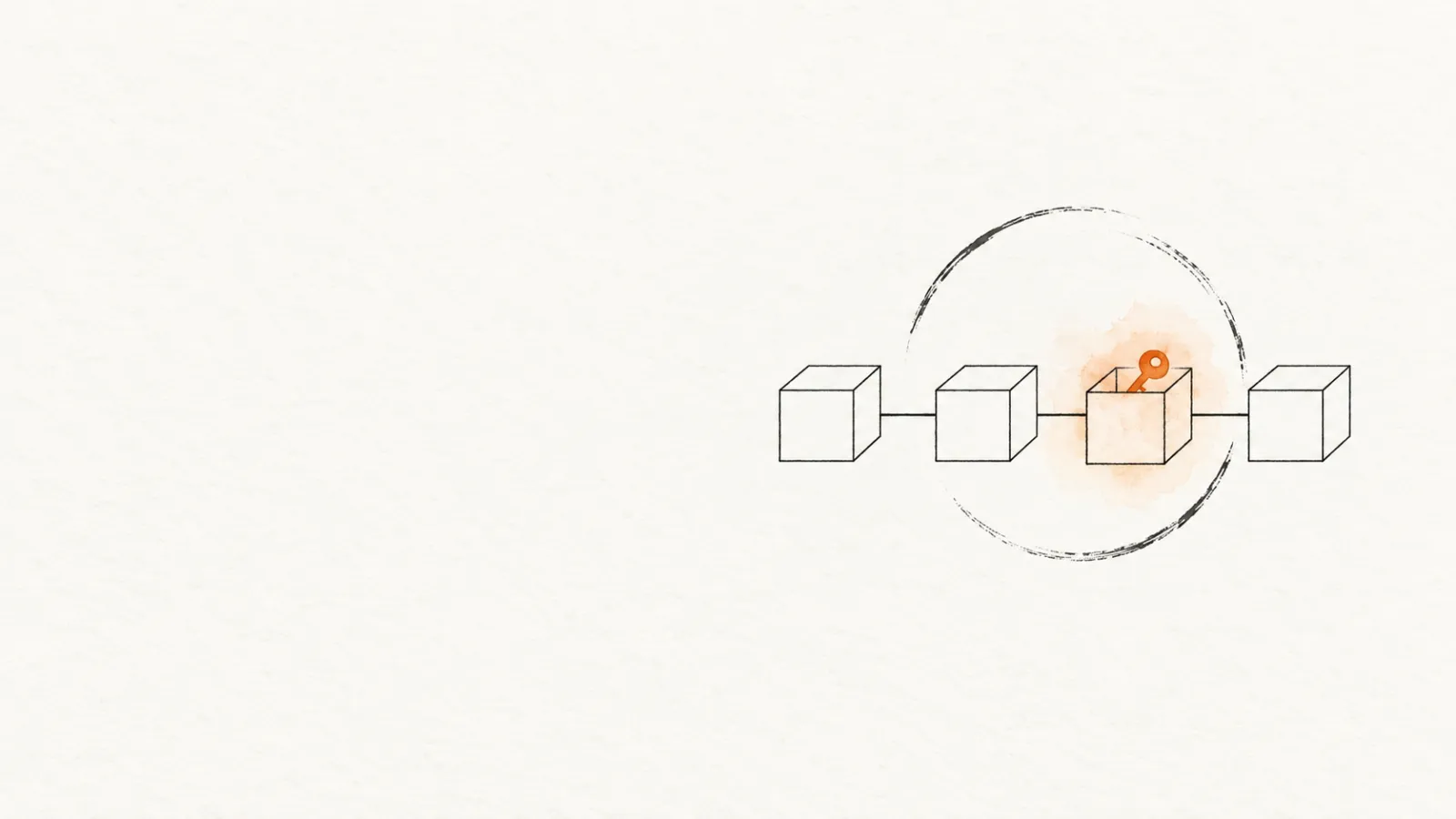
The malware business has a server problem. Domains get seized and hosts get shut down. So some operators now park their most important pieces where nobody can delete them: on a public blockchain.
Omnistealer works that way. Ransom-ISAC, a small network of security researchers, first documented it in October 2025. The case started when the blockchain-forensics firm Crystal Intelligence received a fake job offer aimed at its then-VP of engineering.
The story went wider this spring. PCMag reported on March 28 that around 300,000 stolen credentials had been linked to the campaign, and Malwarebytes covered it on April 14. The malware's early stages live in transactions on TRON, Aptos, and Binance Smart Chain. Its target list covers more than 60 crypto wallet extensions, MetaMask and Coinbase Wallet among them.
It isn't over. On September 25, 2026, Ransom-ISAC reported the operators still active a year on, now using a fourth blockchain. If your savings live in a browser extension, or you sometimes run a stranger's repo for a gig, this one is for you.
What Omnistealer actually steals
Ransom-ISAC named the stealer in its malware analysis. The target list:
- Browsers: saved passwords, session cookies, saved credit cards, and autofill data from 10+ browsers, including Chrome, Edge, Brave, and Firefox.
- 60+ crypto wallet extensions, including MetaMask, Phantom, Trust Wallet, and Coinbase Wallet, plus desktop wallets like Exodus and Electrum.
- 10+ password managers, including LastPass, 1Password, and Bitwarden, plus the macOS Keychain.
- Developer and cloud access: Git credential files, GitHub CLI tokens, and cloud storage such as Google Drive.
"It literally steals everything," Ellis Stannard of Ransom-ISAC told PCMag. None of those products has to be flawed for this to work. The stealer copies the data they keep on disk, the same way it copies Chrome's.
The mix is what makes it dangerous. One infection pays out three ways: drained wallets, hijacked accounts, and access to any code the victim can push. Ransom-ISAC notes that stolen session cookies can carry an attacker past multi-factor authentication.
The victims point the same way. Stannard told PCMag the 300,000 figure is likely the tip of the iceberg. Affected organizations include cybersecurity firms, defense companies, US government entities, and a kosher food delivery service. That's a dragnet, not a spear.
Who's behind it? Ransom-ISAC calls it a DPRK-attributed campaign, and its on-chain analysis traced the funds to addresses tied to other North Korean thefts. Its November 2025 infrastructure analysis found too little evidence to name a specific known group.
Investigators told PCMag that some wallets link to the $1.5 billion Bybit theft attributed to Lazarus Group. But TRM Labs' Nick Carlsen told the same outlet the tactics look more like Contagious Interview, a smaller North Korean subgroup. So "North Korean" is the researchers' assessment, and the exact group is still open.
The job offer that ships malware
How does it reach your machine? By targeting exactly the kind of person who reads this blog.
Per PCMag, the operators usually make contact on LinkedIn, Upwork, Telegram, or Discord. In the case Ransom-ISAC took apart, a LinkedIn recruiter offered a blockchain contract at a notably high daily rate. The chat moved to Telegram, there was a short interview, and then a task: collaborate on a private GitHub project.
The payload sat in that repo's tailwind.config.js, a config file few people open. Start the project and the code asks a TRON wallet (or Aptos, as a fallback) for its latest transaction. That points to a Binance Smart Chain transaction holding encrypted JavaScript, which gets decrypted and run. A later stage fetches the stealer.
There's a second script, too. Stannard told PCMag the operators also pose as freelance developers, get hired, and "push out garbage pull requests" with hidden malware.
It works because it copies normal developer life. We run strangers' code for a living, and trial tasks are part of hiring. The one tell in Ransom-ISAC's case was pressure. The "recruiter" pushed about ten times for the repo to be run, while dodging questions about the code's origin.
In May 2026, Socket documented another route to the same loot: TrapDoor, at least 34 malicious packages on npm, PyPI, and Crates.io. They grab wallet extension data, Sui, Solana, and Aptos wallet data, browser logins, SSH keys, and cloud credentials. The npm ones run on install, through postinstall hooks. TrapDoor also planted hidden zero-width Unicode instructions in .cursorrules and CLAUDE.md files, apparently to get AI coding assistants to run a "security scan" that leaks secrets.
Why the blockchain part can't be taken down
Fighting malware is usually an infrastructure fight. Seize the domains, block the IPs, close the hosting, and the botnet goes dark.
Omnistealer's operators moved the parts they care about out of reach. The encrypted stages sit in transaction data on public chains, which are append-only. As Malwarebytes put it, you can pull a GitHub repo, but you can't roll back TRON or BSC.
There are still ordinary servers. Later stages come from a command-and-control server, and stolen data is uploaded back to it, with a Telegram bot as the fallback. What the blockchain adds is recovery: when one server is blocked, the chain can point every infection at the next.
The September samples go further. Ransom-ISAC found the operators broadcasting the current server address through Ethereum transactions, about once every 50 minutes, alongside the address hardcoded in the malware and the TRON, Aptos, and BSC route. Its conclusion: a defender has to cut all of these channels at once.
That has been done before. On May 26, 2026, CrowdStrike, Google, and the Shadowserver Foundation disrupted the GlassWorm botnet. They hit all four of its C2 channels simultaneously: Solana memo fields, the BitTorrent DHT, Google Calendar event titles, and VPS servers. Cutting only one, CrowdStrike said, would have let the operators quickly reconstitute.
And as I wrote at the time, even that win doesn't clean a single already-infected machine. Against Omnistealer, no such operation has been reported: about a year after the first write-up, Ransom-ISAC says the operators are still live with very few changes. What's left is the endpoint and the browser profile. That's the part you control.
Why this matters for you
If you hold crypto in a browser extension, you are on a target list, literally. Your extension doesn't have to be malicious, fake, or vulnerable. It just has to be installed, with its encrypted vault on disk, the next time something runs on your machine as you.
If you're a developer or freelancer, you're the delivery route. The fake job offer doesn't need you to be careless, only employable. Per PCMag, the operators then use hired contractors as unwitting carriers into the companies that hire them.
Put those together and the overlap is uncomfortable. The people being lured are also the people most likely to have the loot installed: wallet extensions, password managers, Git tokens, cloud credentials.
How to protect yourself
Five moves I'd make this week, ordered by how much they reduce risk.
1. Treat trial tasks like hostile code. Verify the recruiter through the company's real domain, and read every file the project runs on install and build, to the end. Ransom-ISAC found September's payload hidden after kilobytes of whitespace in a config file. Then run the task in a VM or on a machine with no wallet, no password manager, and no signed-in sessions.
2. Shrink your extension attack surface. Open chrome://extensions and count the extensions that hold secrets. Uninstall wallets you don't use; an idle wallet with a balance is idle loot. For the ones you keep, make sure they're the genuine listing: homoglyph fakes like the imToken "color picker" clone showed the listing itself can be the trap.
3. Move serious money off the browser. As I argued in my crypto wallet extensions review, a browser extension is a hot wallet: fine for gas money, wrong for savings. With a hardware wallet, signing happens on the device, and a stealer running as you can't copy the key.
4. Don't make browser encryption your last line. Chrome's App-Bound Encryption was built to stop programs running as you from decrypting Chrome's saved cookies, and 2026's infostealers walk past it anyway. What still helps: passkeys or app-based 2FA on the accounts that matter, and a current browser. So does a long, unique wallet password, since the vault a stealer copies is locked with it.
5. If you think you're hit: rotate, revoke, relocate. From a clean device, change passwords, rotate Git and cloud tokens, and sign out every active session. A stolen session cookie is what gets past 2FA. Move crypto to a new wallet created on a clean machine, and treat the old addresses as burned.
Then report it to your national cybercrime unit, and report the recruiter profile and the repo to the platforms they came through. LinkedIn pointed PCMag to its posts on spotting fake recruiters, and Upwork said it encourages caution with unfamiliar downloads. The payloads on chain can't be deleted, but the lure can.
How Extenshi helps
I can't sinkhole a blockchain, and neither can you. What you can do is make your browser profile a boring target: fewer extensions holding secrets, genuine listings, and a regular look at what's installed.
That last part is what Guard is for. npx @extenshi/guard list prints every extension on your machine without touching the network. npx @extenshi/guard scan (free account) checks the ones you installed from a store against the catalog and flags the ones worth a second look. Guard won't detect Omnistealer itself, which isn't an extension; that's your anti-malware's job.
Before you install a new wallet, check that one extension by pasting its store URL. Or browse the crypto wallet listings in the catalog, where each extension's page shows its safety score and permissions.
My take: 2026 is when extension security stopped being a store-review problem and became an endpoint problem. The ledgers can't be subpoenaed, and the takedowns, when they come, arrive after the vaults are already copied. Your best defense is knowing exactly what lives in your browser before someone else does.
Review your extensions → Scan the extensions you installed from a store with Guard or browse the catalog to see how the wallet extensions you already run score.
Sources
- Ransom-ISAC — Cross-Chain TxDataHiding Crypto Heist (Part 1)
- Ransom-ISAC — Cross-Chain TxDataHiding Crypto Heist (Part 2): DEV#POPPER.js and OmniStealer
- Ransom-ISAC — Cross-Chain TxDataHiding Crypto Heist (Part 3): infrastructure and attribution
- Ransom-ISAC — Cross-Chain TxDataHiding Crypto Heist (Part 4): on-chain analysis
- Ransom-ISAC — XCTDH Adopts Hash Hiding
- PCMag — Malware Is Sleeping on the Blockchain, and It's Already Infected Dozens of Global Targets
- Malwarebytes — Omnistealer uses the blockchain to steal everything it can
- BleepingComputer — Glassworm botnet disrupted after resilient C2 infrastructure takedown
- The Register — CrowdStrike and Google shatter Glassworm botnet
- Socket — TrapDoor crypto stealer supply chain attack hits 34 packages across npm, PyPI, and Crates.io
This article is based on publicly available security research and news reporting. Extenshi does not independently verify all claims made by third-party researchers. References to specific companies or products reflect the findings of cited sources and do not constitute accusations of intentional wrongdoing. If you believe any information is inaccurate, please contact us at [email protected].
Related Articles
Crypto wallet extensions reviewed: MetaMask, Phantom & Trust Wallet security analysis
Crypto wallet extensions are Torg Grabber's top target — 728 of them. Here's how MetaMask, Phantom, and Trust Wallet hold up on security and what to watch for.
GlassWorm botnet takedown: how to check if your extensions are still infected
The GlassWorm takedown by CrowdStrike and Google won't uninstall anything. Here's how to check for malicious browser extensions still sitting in your browser.

App-Bound Encryption bypass: how infostealers raid your browser extensions
Infostealers now bypass Chrome's App-Bound Encryption to raid crypto wallet and password manager extensions. Here's how to check yours and lock them down.

Fake crypto wallet extensions: how to check your browser for the homoglyph seed-phrase trap
A fake imToken Chrome extension posed as a color picker and phished seed phrases using invisible homoglyphs. Here's how to check your extensions and stay safe.