Session cookie theft: how Chrome's DBSC protects you — and where extensions still get in
Session cookie theft lets attackers skip your login and 2FA. Chrome 146's DBSC binds sessions to your device — but here's the gap extensions still exploit.
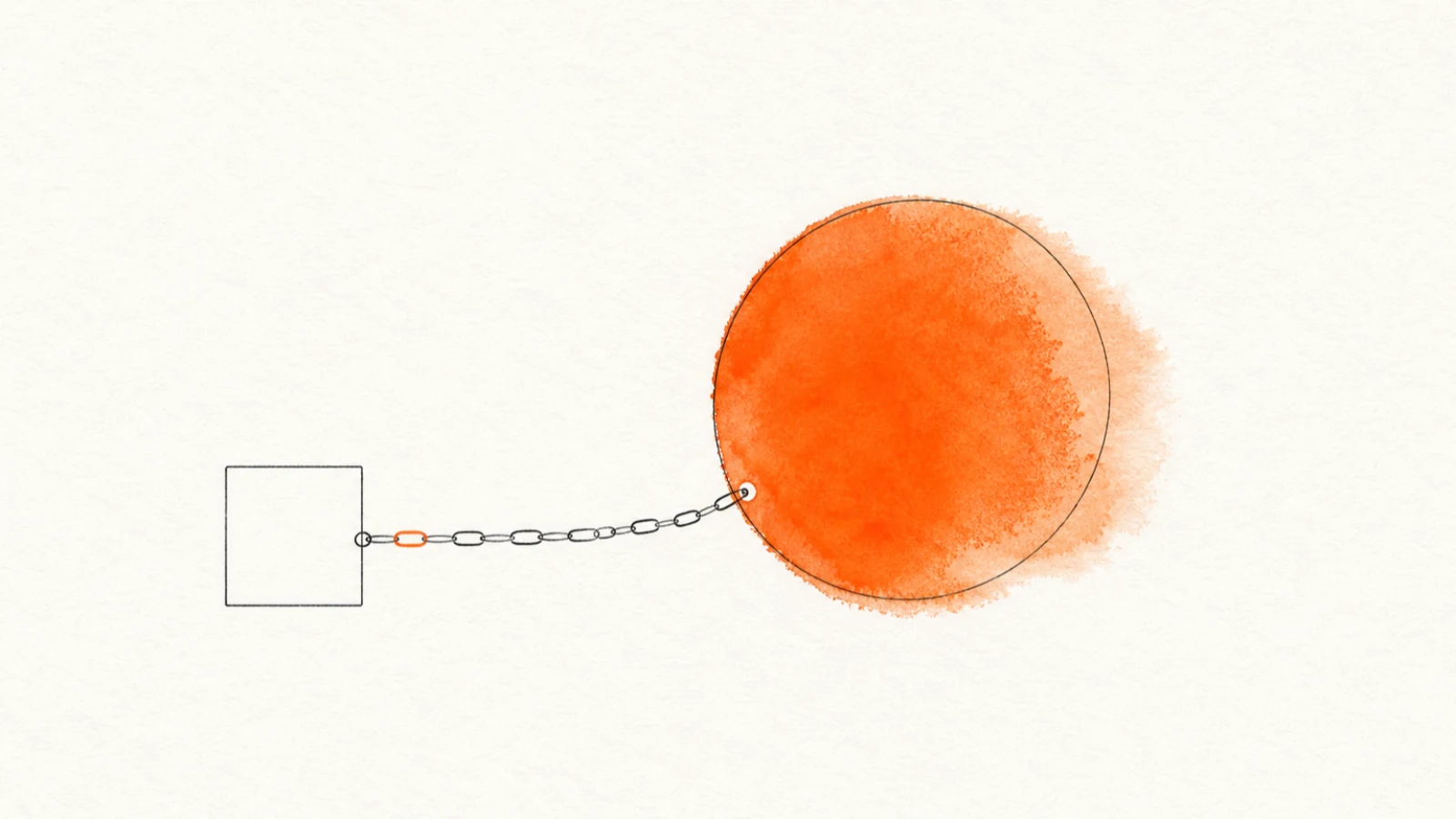
For most of 2026, the scariest thing an attacker could do to your accounts didn't involve your password at all. They stole a small file — your session cookie — and walked straight past your login, your two-factor code, everything. No prompt, no warning. Just them, logged in as you, on a laptop you've never touched. As of Chrome 146, that specific trick got a lot harder to pull off.
The threat: why a stolen cookie beats a stolen password
When you log into a site and clear the two-factor check, the server hands your browser a session cookie. That cookie is proof you're authenticated. Your browser sends it back on every request so you don't have to log in again on every click.
The problem is that, traditionally, a session cookie is a bearer token — whoever holds it is you. Copy it onto another machine, paste it into another browser, and the server can't tell the difference. That's the entire business model of the infostealer epidemic.
Malware families and malware-as-a-service platforms that flooded the threat reports this year — Lumma, Storm, Venom, VoidStealer — are built to do one thing well: read your browser's cookie store, exfiltrate the session tokens, and ship them off so someone can replay them. According to Google, once malware is running on your machine, "it can read the local files and memory where browsers store authentication cookies."
Here's the part that makes cookie theft so nasty: it walks straight around your two-factor setup. The cookie only exists after you've already passed the 2FA check, so an attacker replaying it never sees a login screen and never gets prompted for a code. Worse, you can't really "rotate" a stolen session the way you reset a leaked password.
Most people don't even notice a session was lifted until something downstream breaks — a strange login alert, mail rules they didn't create, a password quietly changed. A leaked password is a door you can re-lock. A stolen live session is someone already standing in the room.
This is also why so much extension malware targets cookies directly. I broke down exactly what that access grants in my earlier piece on the cookies permission — an extension holding it can read your session tokens for every site it can reach. Cookie theft has been the connective tissue between half the incidents I've written about.
What Chrome 146 actually shipped
Device Bound Session Credentials (DBSC) is Google's answer, and it went from origin trial to general availability on Windows in Chrome 146, as BleepingComputer reported. The idea is simple to state and clever in execution: bind the session to the physical device, so a copied cookie is worthless anywhere else.
Here's the mechanic. When you log into a participating site, Chrome generates a fresh public/private key pair and stores the private key inside your machine's TPM — the tamper-resistant security chip soldered to most modern laptops. The private key is non-exportable. Malware can't copy it out, because the hardware physically won't release it.
The session cookies the server issues are now short-lived and expire fast. To get a new one, Chrome has to prove it still holds that private key by signing a challenge from the server. Per the Chrome for Developers documentation, "the issuance of new short-lived session cookies is contingent upon Chrome proving possession of the corresponding private key to the server." That proof happens roughly every five minutes, silently, with no clicking or prompts on your end.
So picture the infostealer's day getting ruined. It still grabs your cookie. But that cookie dies in minutes, and the only thing that can refresh it is the TPM key sitting on your machine — which the malware can't take with it. The stolen cookie can't be replayed on the attacker's laptop. The whole exfiltrate-and-replay model breaks.
How far the rollout actually goes
A few numbers worth knowing, because "shipped" doesn't mean "everywhere" yet.
DBSC is live on Windows now, where Chrome leans on the TPM. Google estimates DBSC-capable hardware covers roughly 85% of active Windows Chrome installations, so most people on recent hardware are already eligible.
macOS support is next, using Apple's Secure Enclave, and Google has signaled a roadmap that includes software-based keys for devices without a secure hardware chip — plus extensions to federated identity (cross-origin SSO) and stronger registration via mTLS and hardware keys.
The catch most coverage glosses over: DBSC is a two-sided handshake. Your browser supports it, but the site has to implement it too — two new endpoints in their auth flow, one to register the session and one to refresh it. During a year-long partnership, Google observed "a notable decline in session theft events" with platforms including Okta. But until your bank, your email provider, and your SaaS tools all wire it up, you only get the protection on the sites that opted in. This is infrastructure that lights up gradually, not a switch you flip.
Why this still matters for your extensions
Here's the part I care about most, and the part that's easy to miss in the cheering. DBSC kills remote cookie replay. It does almost nothing about threats running on your own device, inside your own browser, inside your live session.
Think about what that excludes. A malicious browser extension isn't sitting on some attacker's laptop trying to replay a stolen cookie. It's already on your machine, already inside the authenticated session, already holding permissions you granted at install time. It doesn't need to export anything or prove possession of a hardware key — it just acts within the session you're actively using. As Constella noted in its analysis of what DBSC cannot stop, local, on-device abuse of a live session sits squarely outside DBSC's threat model.
Picture it concretely. Your bank rolls out DBSC, so a cookie copied to a stranger's machine is dead on arrival — great. But an extension you installed for "dark mode on every site" has host access to that bank tab. It can read the page you're looking at, scrape what's on screen, fire requests that ride your valid, device-bound session, and move money or change settings without ever touching the cookie itself.
DBSC made sure the session can only be used on your device. The extension is on your device. The hardware binding it actively benefits from.
That's not a knock on DBSC. It's doing exactly what it set out to do. But it means the malicious-extension problem doesn't shrink because of it — if anything, it gets relatively more attractive.
When remote cookie theft stops paying, attackers move to the place that still works: code running locally with your blessing. I've watched this exact pivot in the campaigns I've covered, from zero-permission extensions used as malware droppers to the browsing-history exfiltration networks that quietly harvest data from inside the session.
How to actually protect yourself
DBSC is mostly out of your hands — it's server-side plumbing you can't force. But here's what's in your control, in rough order of impact.
-
Keep Chrome current. DBSC ships in 146+ on Windows. If you've been putting off the update, that's the floor you need to even be eligible. Same logic for Edge and other Chromium browsers as they pick it up.
-
Audit the extensions that can touch your sessions. Anything holding the
cookiespermission, or broad host permissions like<all_urls>, can read or manipulate the session DBSC is busy protecting. Openchrome://extensions, click "Details" on each one, and read what it requested. If a screenshot tool wants access to every site you visit, ask why. -
Treat "ClickFix"-style prompts as hostile. The dominant way infostealers land in 2026 is tricking you into running a command yourself — a fake CAPTCHA, a fake "your browser needs a fix" page that asks you to paste something into a terminal or the Run box. Microsoft tied ClickFix to a large share of initial-access attacks this year. Never paste a command you didn't write to fix a website.
-
Prune what you don't use. Every installed extension is standing code inside your browser. The abandoned ones are the dangerous ones, because ownership transfers and silent updates turn yesterday's helpful tool into today's payload. If you haven't opened it in months, remove it.
-
Check the extensions you keep against real scan data before you trust them with a logged-in session.
FAQ
What is session cookie theft? It's when malware or a malicious extension copies the session cookie your browser holds after you log in. That cookie is a bearer token — whoever holds it is treated as you, so an attacker can replay it and land inside your account without ever seeing a password prompt or a 2FA code.
How do you prevent session cookie theft? Two layers. On the server side, Device Bound Session Credentials (DBSC) tie the session to your device's hardware key, so a copied cookie is useless on another machine — but only on sites that implement it. On your side, keep Chrome updated, refuse "ClickFix" paste-a-command traps, and audit every extension holding the cookies permission or broad host access, since those can abuse the session locally where DBSC can't reach.
Does DBSC stop malicious extensions? No. DBSC blocks remote replay of a stolen cookie. A malicious extension runs on your device, inside your live session, so it rides the same hardware-bound cookie DBSC is protecting. Local extension abuse of a live session sits outside DBSC's threat model.
How Extenshi fits in
DBSC raises the floor on cookie theft, and that's genuinely good news — it's the most serious defensive move Chrome has made against the infostealer wave. But it draws a hard line around remote attacks, and the malicious-extension problem lives on the other side of that line, on your device, inside your session, where a hardware-bound cookie doesn't help.
That's the gap Extenshi works in. I built the catalog to scan extensions for exactly the permission patterns and behaviors that let local code abuse your sessions — the cookies grabs, the all-sites host access, the quiet data flows. If you want to know which of your installed extensions could operate inside the session DBSC is protecting, that's a thing you can check in a couple of minutes.
Hardware-bound sessions handle the attacker on the other laptop. You still have to handle the code you invited in. Browse the catalog and start with whatever's holding the cookies permission.
This article is based on publicly available security research and news reporting. Extenshi does not independently verify all claims made by third-party researchers. References to specific companies or products reflect the findings of cited sources and do not constitute accusations of intentional wrongdoing. If you believe any information is inaccurate, please contact us at [email protected].
Related Articles
The `cookies` permission explained: what browser extensions can really access in your sessions
The cookies permission lets extensions read, write, and delete cookies — including session tokens. Here's what that means for your accounts and how to check.
108 Chrome extensions, one server: how to check yours for session theft
Socket found 108 Chrome extensions routing logins and live Telegram sessions to a single server. Here's how the campaign worked and how to check your own.
Zero-permission malware droppers: how to check if any of your extensions can be weaponized
A zero-permission extension can still drop malware: LayerX Labs showed any extension can silently backdoor your downloads. How to check and stay safe.

Abandoned browser extensions: how to check the add-ons that stopped getting security updates
Two-thirds of Edge extensions and half of Firefox add-ons sit abandoned — no security update in a year. Why stale extensions are risky and how to check yours.