Malware that arrives in the update, not the install: how to check your extensions
A Chrome extension pulled in January is back — and shipped its payload two weeks after a clean release. How update-time malware works, and how to check yours.
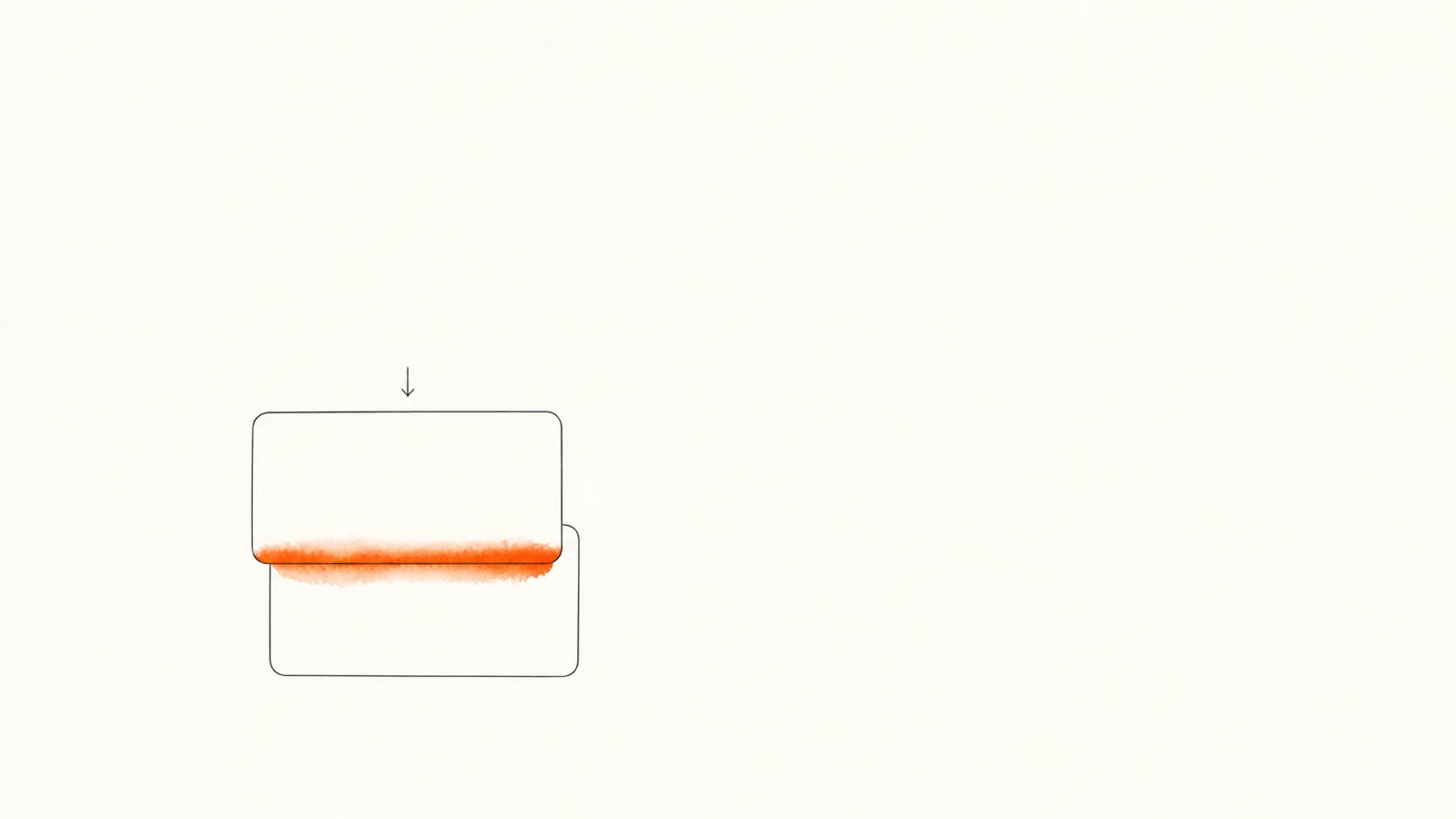
You do the responsible thing before installing an extension. You read the rating, skim the reviews, glance at the permissions, maybe even open the privacy policy. Good. All of that describes a version of the extension that may not be the one running in your browser next month.
That gap is the whole story here. An extension that Google pulled from the Chrome Web Store in January 2026 for scraping people's AI conversations is listed again as of 27 August 2026 — and according to Netskope Threat Labs, it used Google's own update infrastructure to push new code to browsers that had already installed it. The reviewed version was clean. The version that landed on your machine two weeks later wasn't.
What Netskope found
The extension is "AI Sidebar with DeepSeek, ChatGPT, Claude and more." Before its removal it had over 300,000 installs and a 4.6-star rating. It came off the store in January after OX Security reported that it and a sibling extension were scraping ChatGPT and DeepSeek conversation text off the page and posting it to attacker-controlled domains — a campaign The Hacker News covered at roughly 900,000 affected users across both extensions. I wrote about that wave of AI-chat harvesting in my Urban VPN review back in February.
Now Netskope Threat Labs reports that the listing is back, with the conversation-scraping code stripped out, and that it started shipping again in July 2026. Version 1.7.2.0 went out in late July and did nothing untoward. About two weeks later, version 1.7.3.0 added 21 lines to a single script.
Those 21 lines watch for chrome.runtime update events. When one fires, the extension's service worker opens an affiliate link in a new foreground tab, routed through a URL shortener to an AI video-generation platform. Netskope notes that the code comments explicitly specify the trigger must fire on update, not on install — which turns every future release into a fresh commission rather than a one-time payout.
Netskope says its threat protection blocked version 1.7.3.0 as the .crx arrived on enterprise endpoints from Google's CDN, flagging it as Trojan.GenericFCA.Script.37952, and that it reported the extension to the Chrome Web Store before publishing. SecurityWeek's Eduard Kovacs covered the findings on August 11.
One detail worth flagging, because reinstatement is the part I keep thinking about: Netskope reports the relisted item shows a developer name of "DeepSeek AI" — the name of the service the earlier version had been scraping — while the extension's own files name Extchange.com as both developer and data controller, on a domain registered in February 2024 with no public registrant details. Google has not publicly explained how the listing was reinstated, and I found no public response from Extchange.com to Netskope's findings.
Let's be honest about the damage
This payload is affiliate fraud. It opens a tab and someone gets paid. Nobody's bank account is drained, no passwords move, and if I inflated this into a credential-theft story I'd be doing exactly the thing this blog exists not to do.
Netskope makes the same point, and it's the right one: the scheme itself is low-stakes compared with what made the case notable. The same channel, on the same listing, with the same review posture, could carry something much worse next time. What got proven here is the delivery mechanism, and the delivery mechanism is free to reuse.
Why "it passed review" doesn't mean what you think
Chrome Web Store updates do get reviewed. Google's own docs are clear that submitting an update triggers a review process substantially the same as a new item receives. So this isn't a case of updates sailing through unexamined.
It's a case of review being a snapshot. A reviewer looks at the code in front of them at that moment. Ship a genuinely clean release, build a plausible update history, then send a small surgical diff two weeks later — 21 lines inside one file, in an extension that legitimately talks to several AI services — and you're asking a review process to spot a needle it has no particular reason to look for. Netskope reads the clean 1.7.2.0 release as exactly that: deliberate groundwork.
The distribution side is fully automatic once you're past that gate. Chrome checks for updates every few hours and installs them in the background when the extension is idle, as described in the extension update lifecycle docs. No prompt, no changelog, no diff. Unless an update adds a permission that requires re-consent, the first you know about it is whatever the new code does.
That's the same structural weakness behind extensions that turn hostile after an ownership transfer — different motive, identical delivery path.
The uninstall trick
There's a second piece of platform trivia buried in this one, and it's genuinely clever in the way that annoys me.
chrome.runtime.setUninstallURL lets an extension name a page Chrome opens when the user removes it. It exists for legitimate reasons — offboarding surveys, server-side cleanup — and it's documented right there in the chrome.runtime reference. The catch is that it's last-writer-wins: whichever call ran most recently is the one that fires, and a later registration silently displaces an earlier one.
Netskope reports the operators used that. Five seconds after load, their code overwrites whatever uninstall URL was set before with their own affiliate link — so removing the extension also pays out. You try to leave, and the exit door is monetized.
If you build extensions, that behavior is worth understanding on its own terms. I've written about the uninstall URL lifecycle and what happens when the service worker isn't around — same API, from the developer's side of the glass.
Why this matters for you
Most people treat installing an extension as a one-time decision. You vetted it, it's fine, done. What this case shows is that the decision doesn't stay made: you're not trusting the code you looked at, you're trusting whoever holds the publishing key, indefinitely, with automatic delivery to your browser.
That's a bigger ask than "is this extension good," and it's a completely different question from the one the store listing answers. It's also why the extensions I worry about most are the ones people forget they have — installed for one task two years ago, never opened since, still getting updates.
How to check your own extensions
1. Take inventory, and be ruthless. Open chrome://extensions and remove anything you can't remember using this month. An extension you don't use still receives every update the publisher ships. Fewer publishers holding keys to your browser is the single biggest improvement available here, and it costs nothing.
2. Look at when things last changed. In chrome://extensions, turn on Developer mode — each card then shows the extension's ID and current version. Compare that against the "Updated" date on its Web Store listing. A tool you installed a year ago that shipped a release last week isn't automatically suspicious, but it's the right place to spend your attention.
3. Treat unexplained new tabs as a signal. The visible symptom in this case was a tab opening on its own. If an extension starts opening pages, redirecting searches, or injecting things it didn't inject before, the code changed under you — that's a real report, not paranoia. Note which extension, then remove it and check the listing.
4. Re-read the permissions after an update. Chrome prompts you when an update requests a permission that needs fresh consent, but plenty of capability expansion happens inside permissions you already granted. If an extension with broad host access changes hands or changes behavior, the permission you granted a year ago is still doing all the work.
5. Check the publisher, not just the product. In this case the developer name on the listing and the entity named inside the extension's own files did not match, according to Netskope. Mismatches like that are visible from the outside if you look — and a publisher name that happens to be the name of a big AI company is worth a second of skepticism, not a first-page install.
A removed or disabled listing creates another identity trap: its replacement may come from a different publisher. Before reinstalling by name, check a safe replacement for a disabled MV2 extension.
If you manage a fleet
The enterprise angle is the sharp one, because the payload here arrived from Google's CDN — the exact channel an allowlist is built to trust. Allowlisting an extension ID permits every future version of it, forever.
Chrome Enterprise lets admins pin an extension to a specific version so it won't update past what you've tested. It's more work than allowlisting and it means you own the patching decision, which is the trade. For anything with broad host permissions across a fleet, that trade is usually worth making — and either way, "we approved this extension" should carry a version number.
How Extenshi helps
This is exactly the shape of problem the Extenshi catalog is built around. We keep per-extension snapshots across Chrome, Firefox and Edge — permissions, publisher details, manifest and code state over time — so "what changed since the last version" is a question with an answer instead of a shrug. Store listings show you the present; version history is where update-time behavior becomes visible.
If you'd rather start from what's already installed than from a store page, npx @extenshi/guard scan reads the extensions across your browsers and flags the risky ones, with disable-and-undo built in. Free account needed for the scan.
Sources
- AI Sidebar Extension Monetizes Its Own Updates — Netskope Threat Labs
- Extension Banned for Stealing AI Chats Returns to Chrome Store, Resumes Malicious Activities — SecurityWeek
- 900K Users Compromised: Chrome Extensions Steal ChatGPT and DeepSeek Conversations — OX Security
- Two Chrome Extensions Caught Stealing ChatGPT and DeepSeek Chats from 900,000 Users — The Hacker News
- Chrome Web Store review process — Chrome for Developers
- The Chrome Extension update lifecycle — Chrome for Developers
chrome.runtimeAPI reference — Chrome for Developers- Pin Chrome app or extension updates — Chrome Enterprise and Education Help
@extenshi/guard— scan the extensions already installed in your browser
This article is based on publicly available security research and news reporting. Extenshi does not independently verify all claims made by third-party researchers. References to specific companies or products reflect the findings of cited sources and do not constitute accusations of intentional wrongdoing. If any entity referenced in this article believes information is inaccurate, contact [email protected] and we will review and update.
Related Articles
Urban VPN review: how a "Featured" Chrome extension harvested 8 million users' AI chats
Is Urban VPN safe? Not after it quietly harvested ChatGPT, Claude and Gemini chats from 8M users. The full review, the timeline, and what to install instead.
Extension ownership transfers: how to protect yourself when your add-on changes hands
QuickLens got hijacked via an extension ownership transfer to push ClickFix and crypto-stealing malware. Here's how to check your own add-ons are still safe.
Can a disabled extension skip its own uninstall URL? In Chrome, no — here's why
A disabled extension can't clear its uninstall URL (setUninstallURL) before removal — the service worker is already dead. Here's why, and the server-side fix.