Manifest V2 extensions are delisted: how to replace yours without installing a clone
Manifest V2 extensions have left the Chrome Web Store. Check your extension ID, find the original developer and vet a safe replacement before you install it.
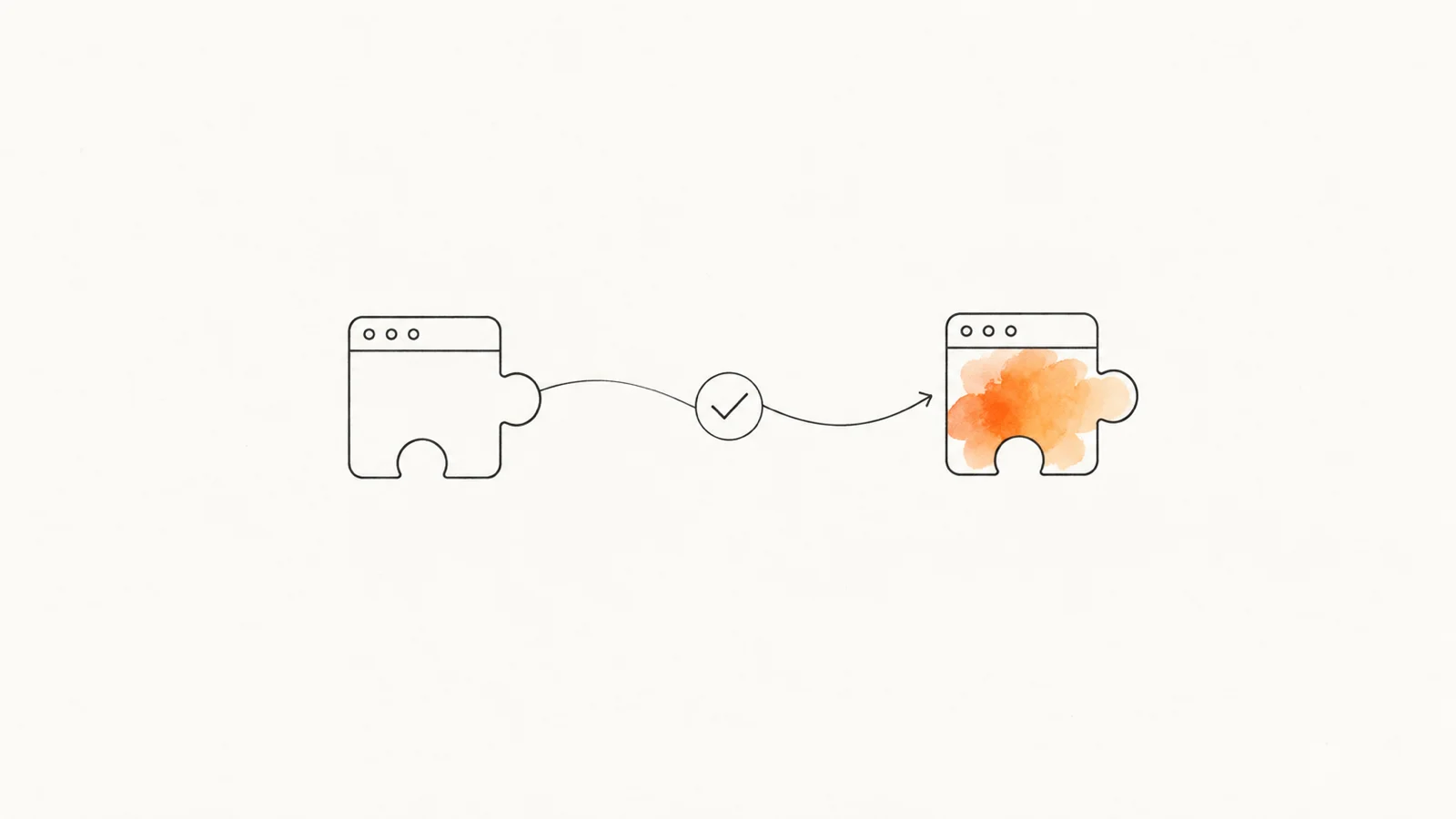
There's a decent chance you have a greyed-out extension sitting in chrome://extensions right now, one you've been meaning to deal with since last summer. As of the end of August, Chrome delisted the last Manifest V2 extensions from the Web Store, and the store page that would have told you what it was is gone too. The extension isn't the problem — it's been dead for over a year. The problem is what you're about to install instead.
Can I still enable Manifest V2 extensions in Chrome?
Not in current Chrome. As of September 27, 2026, Google's support timeline records complete removal of MV2 support in Chrome 139, including the enterprise policy. Chrome 138 had already disabled MV2 for ordinary users; the policy was a temporary exception. An old flag or a missing "Allow legacy Manifest V2 extensions" switch won't restore support in current Chrome.
The August 31, 2026 deadline was different: it removed the remaining Web Store listings. Start with the disabled extension's ID, follow the original maintainer to an official successor, then check its publisher and permissions. If you cannot establish that chain, pause the install.
What actually happened to Manifest V2 extensions on August 31
Google's Manifest V2 support timeline set August 31, 2026 as the date all remaining MV2 extensions are removed from the Chrome Web Store. Not disabled — that already happened. Removed from the listings.
The distinction matters: Google's timeline says older installed copies may remain on disk, but they no longer receive updates and cannot be reinstalled from the store after removal.
So the timeline, in plain terms:
- March 2025 — MV2 extensions disabled by default, users could still flip them back on.
- July 2025 (Chrome 138) — disabled on every channel for ordinary users; managed deployments could temporarily use the enterprise policy.
- Chrome 139 — the enterprise escape hatch, the
ExtensionManifestV2Availabilitypolicy, was removed. Companies that had been holding the line lost it all at once. - August 31, 2026 — the listings themselves disappear.
The runtime shutdown preceded the store delisting. What the delisting removed is the paper trail: the store page, the description, the permission list, the reviews, the developer's contact link. If you were relying on "I'll look it up later," later just expired.
The three-quarters of this that's genuinely boring
I don't want to oversell this. When I counted what the MV2 sunset actually removed back in June, the headline finding was that the panic had it backwards: every ad blocker we track on the Chrome Web Store had already shipped an MV3 build. The roughly 6,000 stranded Chrome listings in our catalog were overwhelmingly abandonware. Classroom tools, old productivity add-ons, things whose developers stopped answering email years ago. And most of them were already marked unavailable before the deadline.
If you're a normal Chrome user, the probability that August 31 broke something you use today is very low. Your blocker updated itself months ago and you never noticed.
So why write about it? Because of the last quarter.
The part that's actually risky: you're now shopping
Delisting doesn't delete demand. A few hundred thousand people had a workflow built around some niche MV2 utility, and that utility is now unrecoverable — not "reinstall it and hope," genuinely gone. Those people do the obvious thing: they open the Chrome Web Store and search for the name of the thing they lost.
That search behaviour is the attack surface, and it's a well-documented one.
Socket's threat research team found 737 Chrome listings impersonating well-known VPN brands — Proton, Nord, Surfshark, ExpressVPN — that quietly configured Chrome to route browser traffic through SOCKS5 proxies operated by a single party. The extensions weren't broken. They worked exactly as built, just not for the person who installed them.
BleepingComputer's write-up noted that hundreds remained listed even after Google pulled the first wave. I went through the whole campaign in the fake VPN extensions piece.
Same playbook, smaller scale, on the crypto side: Socket also documented a fake imToken extension that used a homoglyph in its name — characters that look identical to the real ones at 13 pixels — and existed to collect seed phrases. If you're scanning a results page rather than reading it, homoglyphs win every time.
Neither of those campaigns needed the MV2 sunset. But both depend on exactly the state it creates: a user who knows the name of what they want, doesn't have the original listing to compare against, and is in a hurry.
Why this matters for you
Here's the uncomfortable bit. When you install a replacement, you're not just trusting new code — you're usually granting it the same permissions the old one had, because it does the same job. A dead screenshot tool needed <all_urls>. Its replacement will ask for <all_urls> too, and you'll click accept, because the request looks reasonable for the category.
That's the whole trick. Impersonators don't need to over-ask. They need to ask for precisely what you already expect to give.
And the ownership angle makes it worse: a name that's been dormant for a year carries residual trust with none of the residual scrutiny. I wrote about what happens when a legitimate extension changes hands — the audience transfers with the listing, and nobody re-reads the permissions on an extension they already have. The delisting version of that problem is the same trust, transferred to a stranger, via search.
How to vet a replacement in about five minutes
Start by copying the extension ID from chrome://extensions with Developer mode enabled. Then follow these checks in order: maintainer → official successor → publisher → permissions and disclosure → install or walk away.
1. Go to the maintainer before you go to the store. The single best outcome is that the original developer shipped an MV3 successor themselves — as uBlock Origin did, where the classic build left Chrome and uBlock Origin Lite arrived as a separate MV3 tool from the same author. Search the developer's name or the project's GitHub first. If there's an official successor, the store search is a detour that can only hurt you.
2. Read the publisher line, not the extension name. The name is the part that gets faked; the publisher and the linked website are harder to fake convincingly. Check that the listed website is a domain that actually belongs to the vendor, not a lookalike, and that it existed well before the delisting. This is where the homoglyph trick dies — a substituted character in a display name survives a glance, but the publisher's domain usually doesn't match.
3. Look at review dates, not review counts. A listing with 40,000 users and 4.8 stars sounds settled until you notice every review landed inside the same three weeks. Real extensions accumulate reviews unevenly over years, with complaints mixed in. A clean, dense, recent block is a pattern worth walking away from.
4. Compare the permissions to the job. Ask what the feature genuinely requires, then read the install prompt against that. A note-taking replacement has no business requesting proxy configuration, and a tab manager doesn't need to read data on every site. If you're unsure what a specific permission actually allows, that's most of what this blog's permission explainers exist for.
5. Check the data disclosure — it's enforceable now. Since August 1, 2026 the Chrome Web Store's updated policies require that any data an extension collects be strictly necessary to its disclosed single purpose, and that collection be prominently disclosed regardless. Developers must also proactively notify users when their data practices change after install. A listing with a blank or boilerplate data-use section isn't just sloppy any more; it's out of step with the rules the store says it enforces — a usable signal.
Example: finding the official uBlock Origin Lite listing
On September 27, 2026, the uBO Lite project home identifies it as an MV3 content blocker and links directly to its Chrome Web Store listing. Follow that project link, then compare the store URL's extension ID with any search result you were about to install. A matching name or icon is not enough. Read the project's FAQ for feature differences before treating Lite as a drop-in replacement.
And a sixth, unglamorous option: don't replace it. Chrome absorbed a lot of what 2019-era extensions did — tab search, reading list, PDF handling, per-site permissions. Check whether the browser already does the thing before you hand a stranger <all_urls>.
If you can't even remember what it was
This is the practical cost of the August 31 delisting: the store page that would have jogged your memory is gone.
Open chrome://extensions, turn on Developer mode, and the extension ID is still there under each entry — a 32-character string. That ID is the durable handle. Our catalog keeps historical listings, including manifest and permission snapshots for versions that are no longer live. An ID you can't resolve in the store may still resolve into "here's what it declared and what it asked for." That's usually enough to decide whether you need a replacement at all, or whether you can just remove the entry and move on.
If you'd rather do it locally, npx @extenshi/guard scan reads what's actually installed in your browsers and reports on it — free account needed for the scan.
How Extenshi helps
We snapshot extension listings across Chrome, Firefox and Edge continuously: manifest version, declared permissions, publisher, update history. A delisted extension doesn't become a blank in our data the way it does in the store. It also means that when a "replacement" shows up wearing a familiar name, the publisher, age and permission profile are things you can look at side by side instead of guessing at.
Use those records to support the checks above. A historical listing helps establish identity; it does not certify that a new replacement is safe.
Scan the extensions you installed from a store with Guard →
Sources
- Manifest V2 support timeline — Chrome for Developers
- The transition of Chrome extensions to Manifest V3 — Chrome for Developers (historical, 2021)
- Chrome Web Store policy updates: enhancing user privacy and platform integrity — Chrome for Developers
- 737 Chrome VPN extensions linked to brand impersonation and browser traffic redirection — Socket
- Fake imToken Chrome extension steals seed phrases via phishing redirects — Socket
- Hundreds of fake Chrome VPN extensions route traffic through a proxy — BleepingComputer
- Flag issues & report copyright infringement — Chrome Web Store Help
@extenshi/guard— scan the extensions already installed in your browser
This article is based on publicly available security research, official vendor documentation, and Extenshi's first-party catalog data. Extenshi does not independently verify all claims made by third-party researchers. References to specific companies or products reflect the findings of cited sources and do not constitute accusations of intentional wrongdoing. If any entity referenced in this article believes information is inaccurate, contact [email protected] and we will review and update.
Related Articles
We counted what Chrome's Manifest V2 sunset actually removed — and it wasn't the ad blockers
Everyone said Chrome's Manifest V2 deadline would kill ad blockers. Here's what the sunset actually stranded — and why Firefox is now the MV2 refuge.
Abandoned browser extensions: how to check the add-ons that stopped getting security updates
Two-thirds of Edge extensions and half of Firefox add-ons sit abandoned — no security update in a year. Why stale extensions are risky and how to check yours.
737 fake VPN extensions: how to check yours isn't a traffic relay
Socket found 737 fake VPN extensions routing Chrome browser traffic through one operator's SOCKS5 proxies. Here's how to check yours and reset the damage.
Malware that arrives in the update, not the install: how to check your extensions
A Chrome extension pulled in January is back — and shipped its payload two weeks after a clean release. How update-time malware works, and how to check yours.